
Color Match
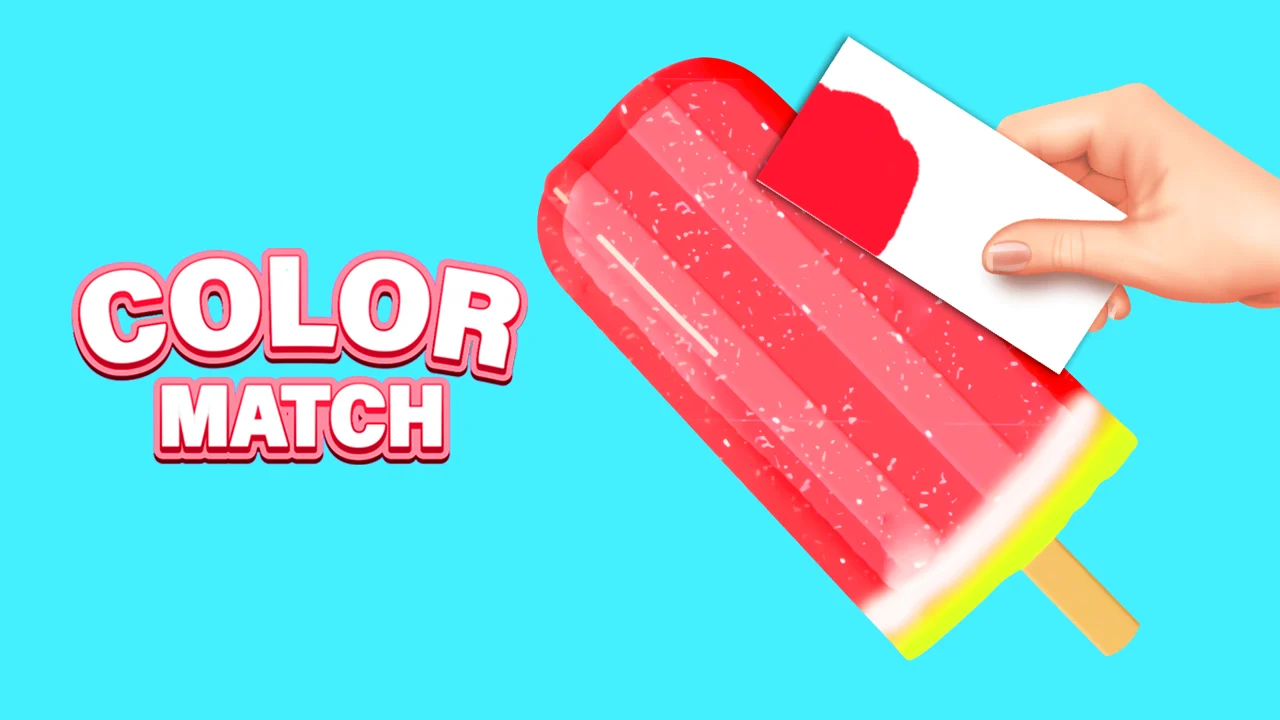
| Genre | Puzzle |
| Platform | Browser, mobile and desktop |
| Released | 2024 |
| Players | Single player |
| Price | Free to play |
| Rating | 4.3/5 from 97,762 ratings |
| Updated | July 2026 |
Color Match is a puzzle game about mixing paint until the shade on your palette lines up with the shade on the object in front of you. You are handed a 3D model, an avocado or a tomato or a slice of watermelon, plus a row of source colors, and your job is to drag those colors together until the blend matches the target.
Nothing in the game is left to guesswork. Every mix is graded as a percentage, and an object only counts as solved once you clear the bar the round sets. It is part color theory drill, part low pressure art project, and it is free to play in the browser right here, with mobile apps available if you would rather paint on a phone.
- Puzzle game about mixing paint to match the color of a 3D object
- Single player, controlled entirely with the mouse by clicking and dragging colors
- A match percentage grades every blend, and you need ninety to lock the round
- Released in 2024, with native iOS and Android apps alongside the free browser version
What is Color Match?
Color Match is a single player color matching puzzle. Each round places a 3D object on the screen, a cherry, a watermelon slice, an avocado, and gives you a set of source colors underneath it. You combine those sources on a palette, watch the live result, then apply it to the object and see how close you landed to the real thing.
The loop is small and satisfying. Look at the target, mix a guess, compare, refine. There is no clock pushing you forward and no hazard to dodge, so the only pressure comes from your own eye for color. That is what makes it a relaxing puzzle rather than a frantic one, the difficulty is gentle and self paced, and the reward for a clean match is a finished looking object you painted yourself.
How to play
- Read the target object in the center of the screen and note its main color.
- Click and drag source colors from the bottom row into the mixing area.
- Watch the live preview update as the colors combine into a single shade.
- Adjust the ratios with smaller drags until the preview reads as a close match.
- Apply the mix to the object once your percentage reaches the round's target.
- Compare your painted object side by side with the original and advance to the next round.
Mixing colors with the mouse
The only input is the left mouse button. You press it on a source color, hold, and drag that color into the mixing zone, where it blends with whatever is already there. The amount you drag in is the amount of influence that color has on the result, so a long drag pushes the mix hard in one direction and a short tap nudges it.
There is no keyboard input and no camera to rotate. The whole game lives inside that one gesture, which is why it transfers so cleanly to a touchscreen. If your mix runs away from you, clearing the palette and starting fresh is faster than trying to undo a heavy pour of the wrong color.
Reading your match percentage
After you apply a mix, the game scores it against the true color and hands back a percentage. Sixty percent means you are in the right neighborhood but the round is not finished. Seventy means the hue is recognizably correct but the lightness or saturation still needs work. Ninety is the threshold the game treats as a clean solve, and at that point the round closes and the next object loads.
The stretch between seventy and ninety is the real game. That is the refinement zone where a single correcting drag, a touch of white, a whisper of a complement, pushes you over the line. Learning to read which of the three properties is off, without the game telling you, is the skill that turns a sixty player into a ninety player.
Color and mixing mechanics
The matching system runs on real color logic. The game is judging hue, saturation, and lightness at the same time, which is why two mixes that look almost identical to your eye can score ten points apart. Knowing what each source color does to a blend is what separates a rough guess from a locked round.
The percentage readout is the only feedback you get, and it is blunt on purpose. It will not tell you whether you are too warm or too dark, only how far you are from the target. That forces you to diagnose your own mix, and it is the reason a little color theory goes a long way here.
| Match percentage | What it means | What to do next |
|---|---|---|
| 60 percent | In the neighborhood | You have the right family of color but the mix is still rough |
| 70 percent | Close but not locked | The hue is right, fix the lightness or the saturation |
| 90 percent | Round solved | The object accepts the paint and the next round opens |
Color theory basics that help
A few rules carry over from paint class and they hold up inside the game. Adding white lifts a color toward a pastel. Adding black drops it toward a shadow tone. Adding a color's complement, red into green for instance, dulls the mix toward gray instead of brightening it.
These three moves cover most of the corrections you will ever need. When your mix reads too clean and the target reads muddy, a touch of the complement is usually the fix. When your mix is muddy and the target is bright, you have overshot the dulling and need to pull back toward the cleaner source color. When the hue is right but the object looks flat, the missing ingredient is almost always lightness, not more pigment.
Objects you will paint
The rounds cycle through a roster of food objects, and each one changes which source colors matter and which corrections you will need. Avocados split the difference between a muted green skin and a pale flesh tone. Tomatoes push you toward a warm red that leans slightly orange. Cherries want a deeper, glossier red with a hint of blue hiding in the shadow. Watermelon slices ask for a soft pink red against a green rind.
Because every object has a different dominant color, a mixing habit that solved the tomato will not solve the cherry. You relearn the palette each round, which keeps the game from turning into a single repeated trick.
| Object | Main color challenge |
|---|---|
| Avocado | A muted green that resists going too bright or too blue |
| Tomato | A warm red that leans slightly toward orange |
| Cherries | A deep glossy red with a cool undertone in the shadows |
| Watermelon | A soft pink red inside, with a green rind on the edge |
Controls for mixing paint
Everything happens through a single drag gesture. The entire game is one motion, press and drag, repeated with different source colors and different amounts. There is no jump button, no aim, no inventory to manage.
| Action | Desktop | Mobile |
|---|---|---|
| Add a color to the mix | Click and drag the source into the palette | Press and drag with one finger |
| Check the live blend | Watch the preview update as you drag | Watch the preview update as you drag |
| Apply the paint | Release and confirm once the percentage is high enough | Release and confirm once the percentage is high enough |
| Start a fresh mix | Clear the palette to reset the colors | Clear the palette to reset the colors |
Playing on a phone or tablet
On mobile the same drag becomes a press and slide with one finger. The palette is laid out for touch, so the source colors are larger targets, and the 3D object sits above the mixing area where your thumb will not cover it. Because there is no camera control to fight over, you give up nothing by trading the mouse for a fingertip.
If you would rather paint away from a desk, the native iOS and Android apps carry your rounds with you. The touch controls are the same gesture you already know, just delivered through glass instead of a button.
Scoring and how a round is judged
The score is a single number, how close your mix is to the target color, measured across hue, saturation, and lightness at the same time. The game does not break that number down for you, so part of the skill is reading your own mix and deciding whether it is too warm, too dull, or too dark.
Once you reach ninety, the object is considered solved and you advance to the next one. There is no streak counter, no timer, and no failure state, only the gap between your mix and the real color, which you close at whatever pace you like. A round you walk away from at seventy will still be waiting at seventy when you come back, which suits a game built for short, scattered sessions.
Tips to hit a higher match percentage
- Add color in small drags. A heavy pour of one source can swing the mix past the target and force a full reset.
- Match the lightness first. If the value is wrong, no amount of hue fixing will raise your score.
- Use complements to dull a mix that came out too bright. A little red tames a green that is screaming.
- Lift a flat color toward its target with white, a little at a time, rather than starting the mix over.
- When you are stuck between seventy and ninety, the missing ingredient is usually saturation, not hue.
- Compare your painted object to the original from arm's length. Up close, your eye corrects differences you can still fix.
- Reset freely. A clean palette and a fresh plan often beat thirty drags of correction on a ruined mix.
Is Color Match free and safe to play
Yes. The browser version runs right here on African Safari Games, loads in the tab you are already in, and asks for no download, no account, and no payment. The game is a self contained puzzle with no chat and no player to player interaction, so there is nothing to moderate and nothing to sign up for.
It also runs well on a Chromebook or a Mac, since it only needs a modern browser and a mouse or trackpad. The native iOS and Android apps are there if you want the experience on a phone screen or away from a keyboard, and they carry the same color mixing puzzle you get in the browser.
What makes it hard to put down
The hook is the percentage. Because the game is willing to look at a seventy percent mix and tell you it is not good enough, you always know exactly how far you are from a clean solve, and that gap is small enough to feel closeable with one more drag. There is a quiet competitiveness to it, not against another player but against your own previous attempt.
Pair that feedback loop with objects that look genuinely finished once they are painted right, and the rounds have a way of stacking up without you noticing. You sit down to solve one avocado and look up ten objects later, which is roughly the highest compliment a relaxing puzzle can earn.
Get Color Match on mobile
There are native iOS and Android apps too, so you can keep mixing colors on your phone instead of at a desk.
Frequently asked questions
Is Color Match free?
Yes. The browser version is free with no download, and the iOS and Android apps are free to install.
How do you play Color Match?
You drag source colors into a mixing area with the left mouse button, watch the live preview, and refine the blend until it scores ninety percent against the target object.
Is Color Match multiplayer?
No. It is a single player puzzle with no leaderboards, no chat, and no live opponents.
When did Color Match come out?
Color Match is a 2024 release, available on iOS and Android as well as playable in the browser.
Does Color Match work on a Chromebook or Mac?
Yes. It runs in any modern browser, so a Chromebook or Mac with a mouse or trackpad handles it without any install.
Can I play Color Match unblocked for free?
Yes. You can play Color Match unblocked on African Safari Games straight in your browser, no install, and it loads on most networks that allow browser games.
Color Match gameplay video